
The Crew Motorfest supports cross-platform matchmaking in certain multiplayer modes. Playing against people on other systems and inviting a specific friend to your Crew are separate questions. For a session with friends, check Crew compatibility first; enabling crossplay alone does not confirm that your platforms can form a group.
Matchmaking and Crew invitations work differently
Crossplay is enabled by default, according to Ubisoft Support. In supported modes, matchmaking can bring players from different platforms together. On PC, crossplay cannot be disabled. On consoles, Ubisoft describes an On or Off setting that controls cross-platform matchmaking.
Crew invitations follow a separate process. After completing the introduction, you can invite friends through Crew Management. Once they accept, launching an activity automatically sends an invitation to Crew members. This gives you a way to organise a group, but the invitation procedure does not establish compatibility between every combination of platforms.
The useful distinction is between finding opponents and assembling your own party. If your aim is cross-platform competition, choose a mode that supports it. If your aim is to play with a particular person, first establish whether your platforms support Crew invitations together. Searching for a match separately does not guarantee that you will meet your chosen friend, so it should not be used as a substitute for forming that group.
What PC and Nintendo Switch 2 support
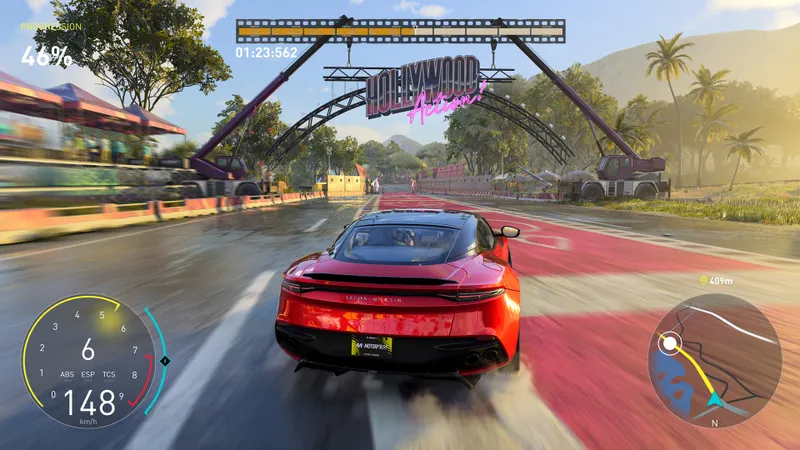
The official Steam listing confirms a Windows version and online co-op. Those features establish that cooperative play is available on PC; the listing does not specify which other platforms can join a PC player's Crew. Before choosing that version specifically to play with a friend on another system, check compatibility for your intended pairing.
On Nintendo Switch 2, Ubisoft lists Grand Race and Demolition Royale as modes where players can meet competitors from other platforms. Summit Contest and event leaderboards also allow results to be compared across platforms. A shared leaderboard lets you compare performances, whereas multiplayer matchmaking brings participants into a match; neither feature, by itself, establishes that you can invite a particular player into your Crew.
Nintendo Switch Online is required for Crewing, Grand Race and Demolition Royale on Nintendo Switch 2. Check your subscription before arranging a session involving those features. For a group session, the subscription requirement and Crew compatibility are separate prerequisites: satisfying the former does not resolve the latter.
Change the crossplay setting on consoles

If you want cross-platform matchmaking, leave crossplay enabled. To change it on consoles, Ubisoft Support gives the following path using the English menu labels:
- Open Options.
- Select Game Settings.
- Open Matchmaking.
- Choose On to enable crossplay or Off to disable it.
Before searching for a match, check that the displayed setting matches your choice. On allows cross-platform matchmaking in compatible modes. Off disables that option, so the trade-off is giving up those cross-platform matches. Change back to On when you want to use them again.
On PC, crossplay stays enabled: there is no supported option to switch it off. The console menu path above has not been confirmed for Nintendo Switch 2, so treat it as the general console procedure rather than a verified set of instructions for that version.
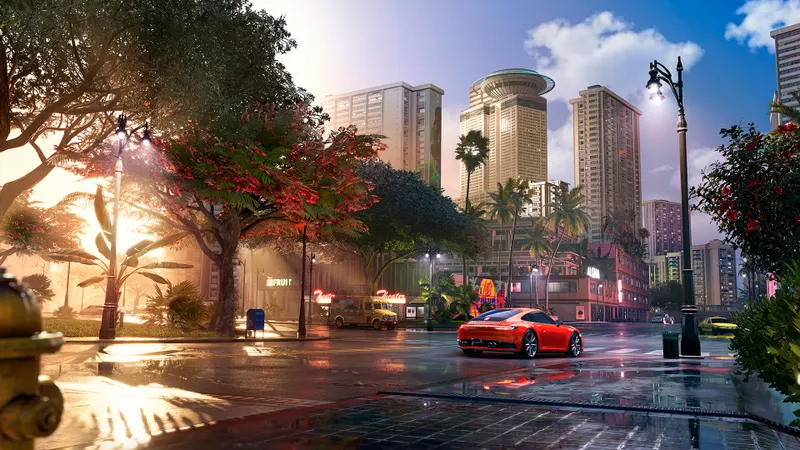
Form your Crew before starting the activity
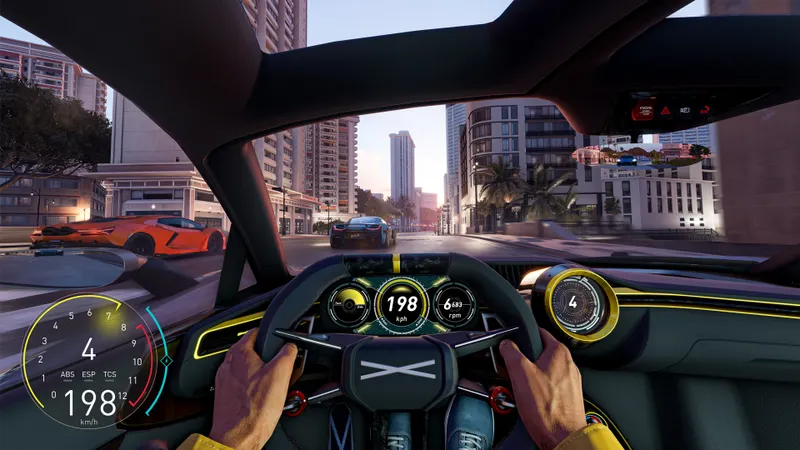
The Ubisoft starting guide places friend invitations after the introduction. Once your group has established that its platforms can form a Crew, use this sequence:
- Complete the introduction to reach the point where invitations are available.
- Open Crew Management and invite your friends.
- Wait for them to accept and join the Crew.
- Launch your chosen activity. Crew members will automatically receive an invitation to it.
Check the result at each invitation stage. Your friends should first be in the Crew, then join the activity after it is launched. If the session stalls, identify which step failed before changing settings: an unaccepted Crew invitation and a problem joining an activity occur at different points in the sequence. On Nintendo Switch 2, also check Nintendo Switch Online when using the features that require it.
For a friend on another platform, switching crossplay to On is not a universal invitation fix. In his guide published on 14 September 2023, Traxion's Thomas Harrison-Lord reported that co-op required the same platform at launch and that cross-platform invitations were unavailable. That describes the launch situation, rather than an exhaustive account of current compatibility.
For cross-platform matchmaking settings, consult the crossplay support page. Before buying another version to join someone, seek confirmation that your platforms support Crew invitations together. The page's confirmation of crossplay does not establish invitation compatibility for your intended pairing. If you instead decide to enter cross-platform competition, use a supported mode.
Cross-progression does not determine who you can invite
Ubisoft also confirms cross-progression, which concerns carrying progress between platforms. It serves a different purpose from crossplay and Crew invitations. Being able to access your progress on another system does not establish whether a friend on that system can join your group.
For an organised session, confirm Crew compatibility, invite your friends and wait for them to join before launching the activity. For cross-platform competition, choose a compatible mode and keep crossplay enabled wherever the setting is available. On Nintendo Switch 2, make sure you have Nintendo Switch Online if you plan to use Crewing, Grand Race or Demolition Royale.
You can also visit The Crew Motorfest game page and explore more gaming content on JEU.VIDEO.


![[Guide] Royale Battle: Warzone crossplay: check your setup before playing with friends](https://jeu.video/images/w5fMBdkXtqBR_WTWGLY1uCJRuC4ekIih5WxmZkAxbp8/rs:auto:800:450:1/g:sm/czM6Ly9qZXV2aWRlby1ib2x0LXN0b3JhZ2UvdXBsb2Fkcy8yMDI2LzEwL3JveWFsZS1iYXR0bGUtd2Fyem9uZS1jcm9zc3BsYXkuanBn.avif?v=1791810277)
