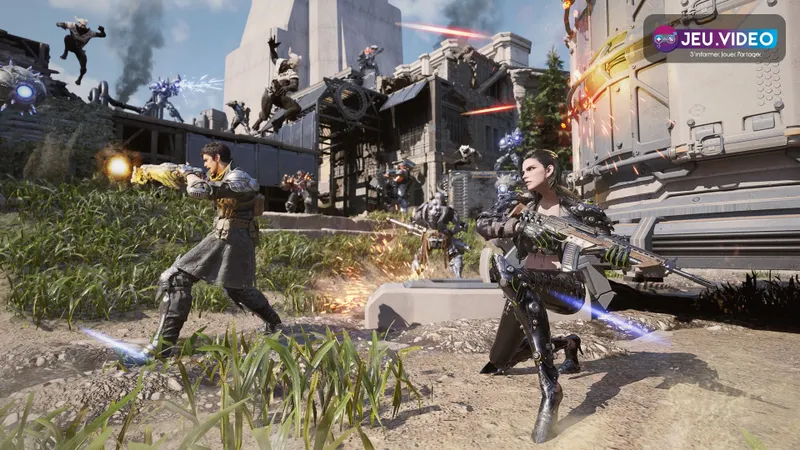
The First Descendant supports crossplay between PC, PlayStation and Xbox. A single squad can launch co-op missions and Intercept Battles together. Keeping the same progression across platforms is a separate matter: the correct Nexon account must be linked first.
Which platforms support crossplay?
- PC, PlayStation and Xbox share the same multiplayer ecosystem.
- PS4 and Xbox One support ended on June 19, 2025.
- Link the account through Options > Account > Link Account.
- Primary Account Setup lets you select the correct data when several linked progressions exist.
How PC, PS5 and Xbox Series X|S players join up
Steam, the Nexon launcher, PlayStation, PS5, Xbox and Xbox Series X|S appear in the official support documentation. For a current session, the relevant platforms are PC, PS5 and Xbox Series X|S; PS4 and Xbox One are no longer supported.
A team made up of Steam, PS5 and Xbox Series X|S players can therefore play together. Each player must sign in and use their displayed in-game ID. The mission rules do not change according to the platform.
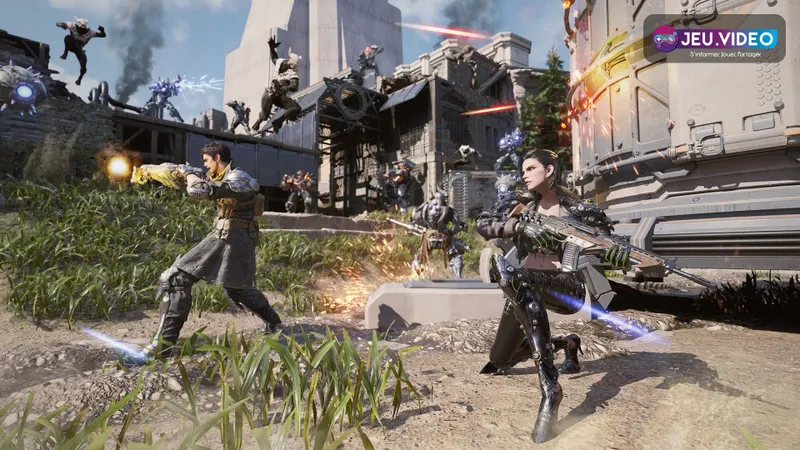
Create the squad before choosing an activity
- Launch the game with your usual profile on each platform.
- Check each friend's displayed in-game name.
- Add that ID through the game's social tools.
- Create the group before selecting an operation or boss.
- Test a short activity before starting a long session.
On Xbox, privacy settings can block multiplayer, cross-network play or communications. Check all three permissions before creating another account. official Xbox support page explains where to perform this check.
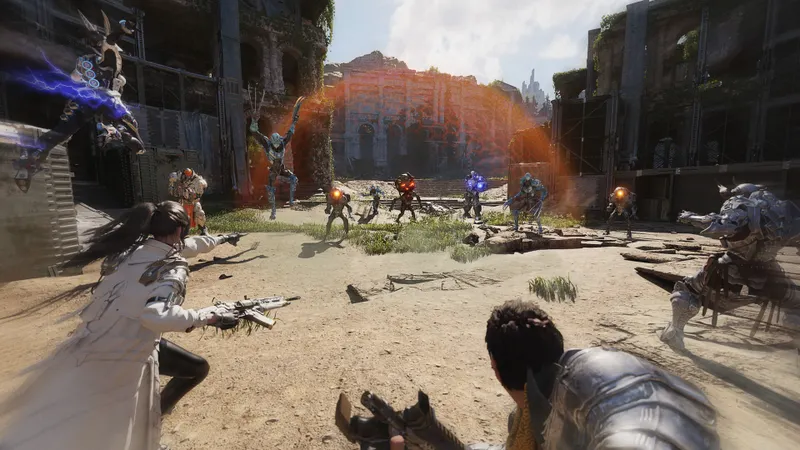
Link the Nexon account before switching platforms
Joining friends and finding your character are separate features. Crossplay allows you to play with users on other platforms, while cross-progression depends on the Nexon account and the data connected to it.
On the platform containing the progression you want to keep, open the game menu and follow ESC > Options > Account > Link Account. Connect the desired Nexon account before playing extensively on a second machine.
If several data sets are already linked, open Primary Account Setup. This service selects the data that connected accounts will use. Creating a test character on another platform before making that choice can complicate the situation.
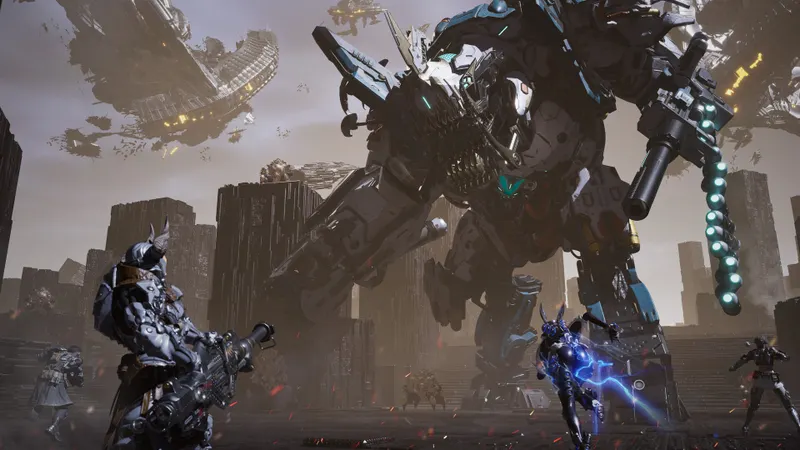
What to check when progression is split
| Situation | Action | Mistake to avoid |
|---|---|---|
| Progression on Steam | Link your Nexon account before playing elsewhere. | Creating a separate save on console. |
| Data on two platforms | Choose the data in Primary Account Setup. | Waiting for inventories to merge automatically. |
| Character missing | Check the Nexon ID and primary data. | Unlinking accounts at random. |
| Xbox friend cannot be found | Enable multiplayer, cross-network play and communications. | Changing progression before checking Xbox settings. |
Open the game at least once with each linked external account. Nexon states that some linking information appears only after this sign-in. A missed invitation is usually quick to fix; selecting the wrong data requires more checks.
Xbox and platform settings that can block a session
Console subscriptions, family settings and communication permissions are managed by each platform. A host cannot bypass a parental or security restriction, so voice chat should also be configured before the mission.
Disabling crossplay does not turn a public activity into a private match. Form the squad first, then choose the mode suited to the session. Further game information appears in the latest news, practical guides and gaming news sections.
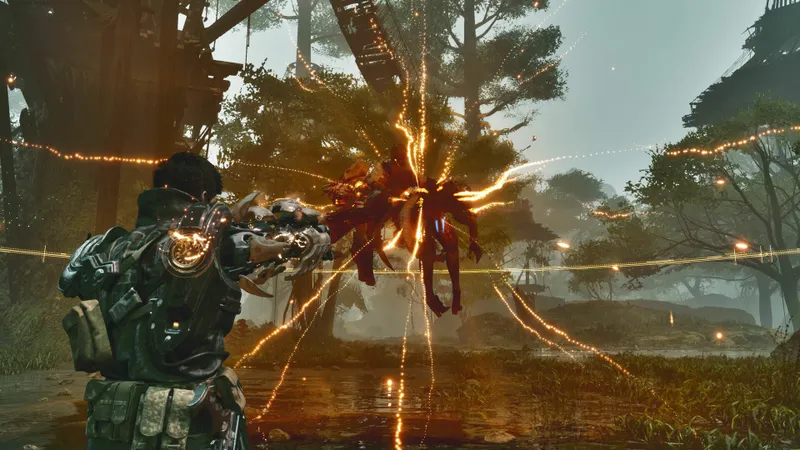
Checklist before playing across platforms
- Confirm that every player uses PC, PS5 or Xbox Series X|S.
- Note the IDs displayed in the game.
- Link your Nexon account before changing platforms.
- Choose the primary data if two histories exist.
- Enable the three Xbox permissions when necessary.
- Try a short mission before farming or facing a boss.
For more information, see our article on [Guide] Descenders crossplay: Xbox and Steam play together and our article on Crossplay or cross-platform: check these points first.
Frequently asked questions
Can a Steam player join a friend on PS5 or Xbox Series X|S ?
Yes. Official crossplay connects PC, PlayStation and Xbox. Players must be signed in, and the required communications permissions must be available.
Do PS4 and Xbox One still work ?
No. Support ended on June 19, 2025. Use PC, PS5 or Xbox Series X|S for a current session.
Where do I link my Nexon account ?
Open ESC, then Options, Account and Link Account. Start from the platform containing the progression you want to keep.
Why does my character not appear on another platform ?
Check the linked Nexon ID and the data selected in Primary Account Setup. The progression may be attached to another account or another primary history.
Which Xbox settings can prevent an invitation ?
Allow multiplayer, cross-network play and communications in Xbox settings.
Compatible platforms and support changes are detailed in Nexon's supported platforms and official Steam listing. Additional information is available on supported-platforms page and official Steam listing.
Verified sources
These links verify the key information used in this article.
- global.support.tfd.nexon.com: Official The First Descendant support confirming crossplay on PC, PlayStation and Xbox, along with the end of PS4 and Xbox One support on 2025-06-19.
- global.support.tfd.nexon.com: Official The First Descendant support giving the path Game Menu > Options > Account > Link Account and specifying the use of the same data across several platforms.
- global.support.tfd.nexon.com: Official The First Descendant support describing Primary Account Setup, which lets players choose the platform data used by linked accounts.
- global.support.tfd.nexon.com: Official The First Descendant support detailing the Xbox permissions required for multiplayer, cross-network play and communications.