
To manage World of Tanks resources safely, follow this order: complete the Bootcamp, open the Garage, check XP, gold, credits and bonds separately, prepare a vehicle, then read the action and cost before confirming. The game shows these counters together, but the available documentation does not establish a conversion rate or an official priority between them.
Find the 4 counters in the Garage
The Garage is the account and vehicle management center. You can view, research and purchase tanks, manage their crews, track XP, gold, credits and bonds separately, and activate boosters when that option is available.
Getting Started guideThis answers the practical question of where to look before spending. It does not tell you which resource has the best return. The available documentation gives no research cost or price for equipment, ammunition or consumables, so do not rank XP, gold, credits and bonds by their name or position in the interface.
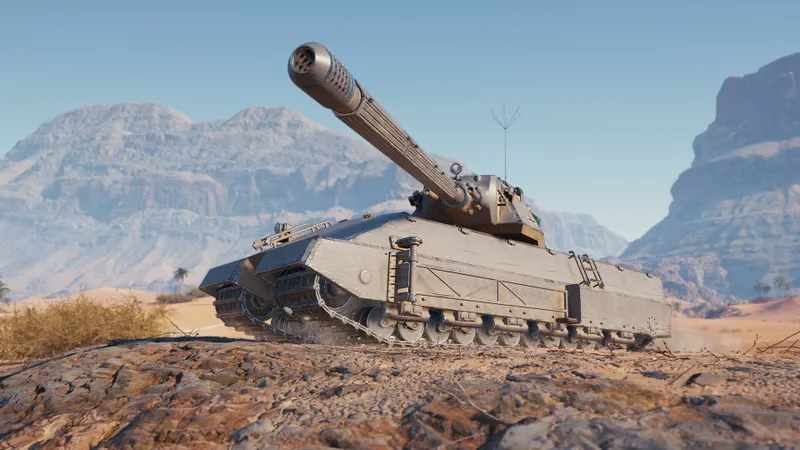
Steam describes World of Tanks as free to play with in-game purchases, some of which may rely on chance. That explains the monetization model, but it does not provide a reliable exchange value for any resource shown in the Garage.
Steam page for World of TanksPrepare the vehicle before confirming a purchase
The Bootcamp is the first documented stage for a new account. On the first launch, it uses AI-controlled vehicles and enemies controlled by the game, and its rewards include credits, in-game gold and other bonuses. Do not use that reward alone to estimate a fixed gain or a future return.
Once the Bootcamp is complete, choose a Tier I vehicle. Official documentation states that Tier I vehicles from every nation are available from the start. Inspect the selected tank's crew, equipment, ammunition and consumables before changing anything. When the Garage displays a cost for an action, read it there and confirm only what is actually shown.
- Complete the Bootcamp. Collect the displayed reward categories.
- Open the Garage. Note XP, gold, credits and bonds separately.
- Select a Tier I vehicle. Inspect its current preparation before making changes.
- Check the crew, equipment, ammunition and consumables. Verify each element before entering battle.
- Read the action and its cost. Do not replace missing information with an estimate.
- Compare the visible values after battle. Use the Garage to see what changed without claiming a general income per battle or farming return.
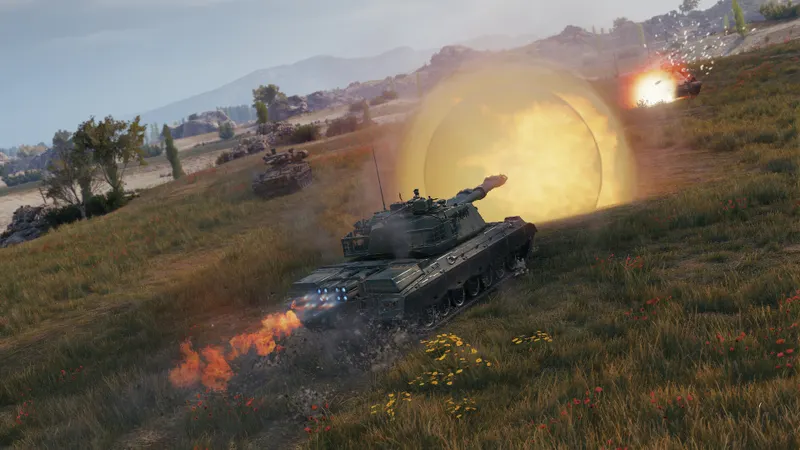
Use the controls to verify the setup
World of Tanks uses W, A, S and D to move the tank. The official controls overview also covers the handbrake, aiming and firing with the left mouse button.
Game Controls guideRotating the turret or hull widens the dispersion circle. When accuracy matters, wait for it to shrink before firing, and use the handbrake to stop before attempting a more controlled shot. These checks show whether the vehicle is ready for a battle; they do not establish the economic cost of ammunition or consumables.
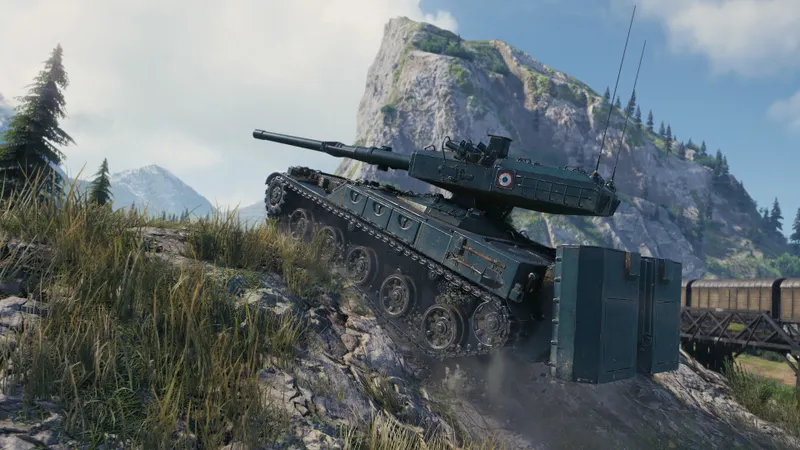
New players begin with Random Battles, while other modes become available as they progress. Check the available mode and selected vehicle before comparing resource values, but do not treat mode availability as proof of an optimal spending choice for a given tier.
Avoid unsupported spending rules
- Inventing a hierarchy. XP, gold, credits and bonds are shown separately, but no official saving priority is established.
- Confusing controls with economics. Movement, dispersion and firing explain how to use the tank, not what an upgrade costs.
- Using a shop price as a conversion rate. Steam's mention of in-game purchases does not determine the value of a Garage resource.
- Assigning a fixed gain to a battle. No income per battle, conversion rate or farming return is confirmed.
- Spending before preparation. Check the crew, equipment, ammunition and consumables before launching the vehicle.
Frequently asked questions
What should you do first to track your resources?
Complete the Bootcamp, open the Garage, and check XP, gold, credits and bonds separately before deciding what to spend.
What should you check before confirming a command?
Check the selected vehicle, the relevant item, the proposed action and the displayed cost. If the interface does not show enough information, do not confirm based on an estimate.
How can you measure the result after a battle?
Compare the values visible in the Garage before and after the session. This shows what changed on the account without turning one result into a general return.
World of Tanks gives you a clear place to track 4 resource categories, but it does not establish a universal order for spending them. Complete the Bootcamp, inspect the Garage and prepare the vehicle first; then confirm only an action whose use and cost are displayed.
Also check out the World of Tanks game page.


