
Start World of Tanks on PC by completing Bootcamp, preparing a vehicle in the Garage and learning the firing sequence. Before you shoot, check where the gun is pointing and whether the dispersion circle has settled. A reloaded gun is only part of the preparation.
Complete Bootcamp before choosing your next step
On your first launch, Bootcamp offers introductory missions alongside AI-controlled allied vehicles and against bots. Begin there to learn the basic actions before moving on to Garage preparation and Random Battles.
According to Wargaming's getting started guide, completing Bootcamp awards credits, in-game gold and other bonuses. The page does not specify the amounts, so do not plan a purchase around an assumed reward. Base purchase decisions on the resources available in your account.
After Bootcamp, the Garage is where you view your vehicles, research and buy tanks, train crews and launch battles. Start by selecting a vehicle and reviewing its setup. Research and purchases can follow once you understand what you are taking into battle.
This guide covers World of Tanks on PC with keyboard and mouse controls. The Steam version is free to play on Windows.
Prepare the tank you intend to play
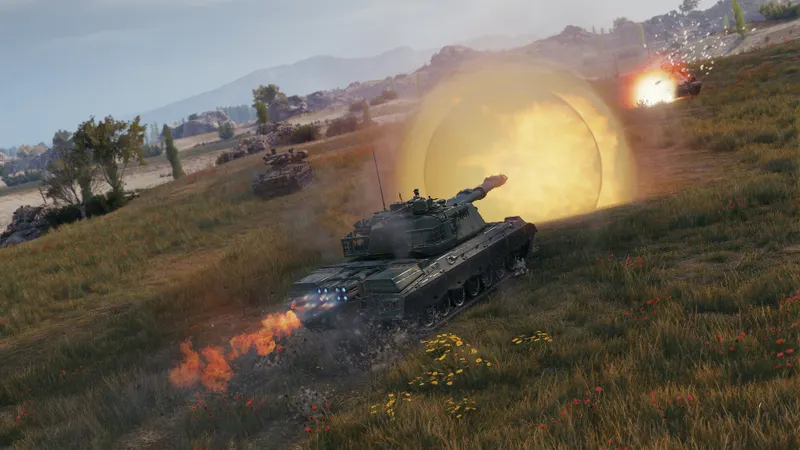
Tier I vehicles from all nations are available at the start. Click a tank’s image in the vehicle panel to select it in the Garage. After browsing several vehicles, check which tank is displayed before changing its setup: the preparation should match the vehicle you intend to use.
The panel above the carousel contains your crew, equipment, ammunition and consumable choices. Review these categories before launching a battle so that you know what you have selected. Repeat these checks whenever you change vehicles. This is a preparation check, rather than a reason to buy something from every category.
- Select your vehicle. Confirm that the displayed tank is the one you want to play.
- Review its setup. Check the crew, equipment, ammunition and consumables in the panel above the carousel.
- Read the daily missions. The Events & Missions panel contains three objectives of increasing difficulty.
- Select the battle mode. New players begin in Random Battles, with other modes becoming available as they progress.
- Click Battle! Read the team lineups and battle objective on the loading screen.
Use the Garage to check your own preparation and the loading screen to understand the battle you are entering. The objective deserves attention even when you are concentrating on learning the controls: it tells you what the battle asks your team to accomplish.
Let the gun settle before firing
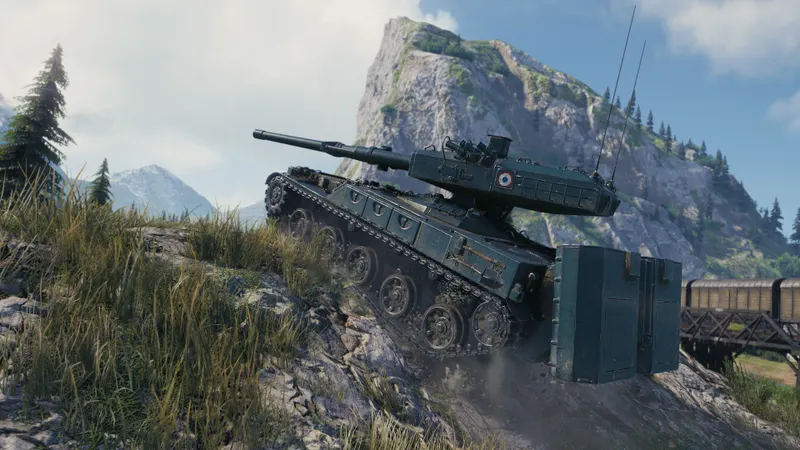
The official controls guide explains the sequence: aim, align the gun marker with the centre of the reticle, wait for the dispersion circle to shrink, then fire. Placing an enemy in the middle of the screen does not replace checking the gun marker.
- Aim at the enemy vehicle.
- Wait for the gun marker to align with the centre of the reticle.
- Stop moving and allow the dispersion circle to shrink to improve accuracy.
- Press the left mouse button to fire.
- Before firing again, wait for the gun to reload and the dispersion circle to settle.
Rotating the hull or turret enlarges the dispersion circle. After turning the tank or moving the gun, watch the circle rather than firing immediately. Its visible size is your reference; counting a fixed pause after every movement does not tell you whether your aim has settled.
Reloading and aiming are separate conditions. If the gun has reloaded but the circle is still large, give your aim time to settle. If the circle has tightened while the gun is still reloading, wait for the reload to finish. Check alignment again before taking the shot.
This sequence improves the conditions for accuracy, but it does not guarantee armour penetration or damage. A shot that deals no damage is therefore not enough, on its own, to diagnose a mistake in these controls. While learning the firing sequence, assess the things you can see: gun alignment, dispersion and reload status.
Switch aiming modes for a reason
Arcade is the default aiming mode, which Wargaming describes as suitable for short and medium ranges. Use it as your starting point. When a distant target calls for more precise aiming, Sniper mode offers an alternative for vehicles other than self-propelled guns.
| Aiming mode | Purpose | Limit to keep in mind |
|---|---|---|
| Arcade | Aiming at short and medium ranges. | For precise aiming at long range, consider Sniper mode if your vehicle supports it. |
| Sniper | Making precise aiming at long range easier. | It reduces your awareness of the overall battle and is unavailable to self-propelled guns. |
| Auto-aim | Locking your aim onto the centre of an enemy vehicle. | It does not select a particular point on the vehicle, and the lock disengages when the target disappears from view. |
Sniper mode involves a tradeoff between precise aiming and awareness of the wider battle. Use it when the closer aiming view serves a purpose, then return to Arcade when you need to observe more of the situation around your target. Staying in Sniper mode simply because it makes aiming easier can leave you with less information about the battle.
Auto-aim serves a different purpose: it fixes your aim on the enemy vehicle’s centre. If you want to aim at a particular part of its silhouette, that centre lock does not perform the selection for you. When the enemy disappears from view, check your aim again because the lock disengages.
Practise the check you are missing
Use the difficulty you encountered to decide what to practise next. If you entered battle with an unintended tank, pay closer attention to vehicle selection in the Garage. If you fired just after turning the hull or turret, focus on watching the dispersion circle settle. If you clicked as soon as reloading finished, add an alignment and dispersion check before the next shot.
Keep the correction specific enough to observe during your next battle. For Garage preparation, success means entering with the vehicle and setup you intended. For firing, it means recognising when the gun is aligned, the circle has tightened and the reload is complete, without treating damage as proof that every check was correct.
Build a repeatable preparation and firing routine before adding more decisions. As you research and buy vehicles in the Garage, check the selected tank and its setup every time you change vehicles, then carry the same aiming checks into battle.
You can also find the World of Tanks game page on JEU.VIDEO.


