
For World of Tanks on PC, begin with the machine and the game's beginner path before touching advanced settings. No universal value is established for resolution, sensitivity, key bindings or FPS, so the useful starting point is a controlled baseline rather than a copied profile.
Check the PC requirements first
The Steam page lists World of Tanks as free, runs it on 64-bit Windows 10/11 and requires 120 GB of available space. the official Steam page It also points new players toward Bootcamp, lower-tier battles and Armored Academy missions.
Those requirements answer whether the installation can begin; they do not define a graphics profile or an FPS target. Steam also describes five vehicle types and basic 15-versus-15 Random Battles, but that gameplay context cannot be used to infer display or control settings.
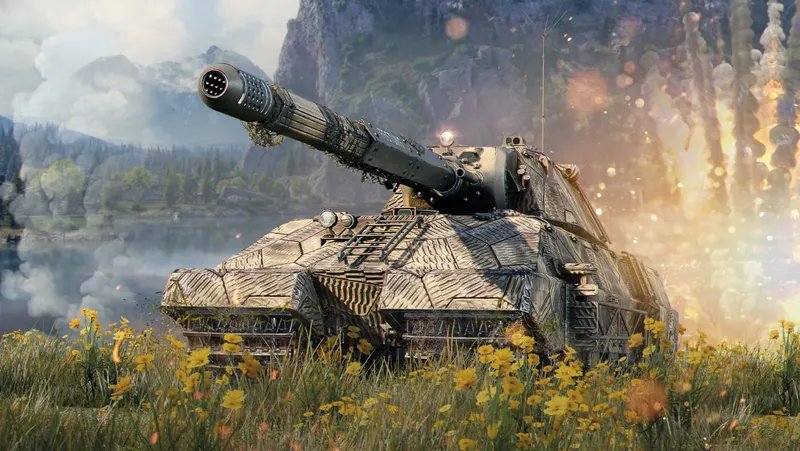
Start with the game in its initial state
If less than the listed 120 GB is available, clear space before changing anything else. An installation that cannot complete prevents every later adjustment from being useful.
Once the game launches, identify the specific problem: a crowded image, a control that is difficult to remember or a lack of smoothness each points toward a different type of setting. Note the initial state, change one option, then check the result in the same gameplay situation while keeping the previous value available.
| Element | Verified fact | Practical decision |
|---|---|---|
| Resolution | No target value published | Keep the current value until a specific need appears |
| FPS | No numerical target published | Do not infer a target from the hardware requirements |
| Controls | No usable default key bindings in the accessible content | Check the official documentation before remapping |
| Interface and readability | No detailed profile published | Change only what addresses an observed issue |
A professional or community profile may be a reference, but it is not automatically suitable for every beginner. The same applies to sensitivity, key bindings and readability: without a confirmed universal value, the screen, controls and problem you can actually identify should guide the adjustment.
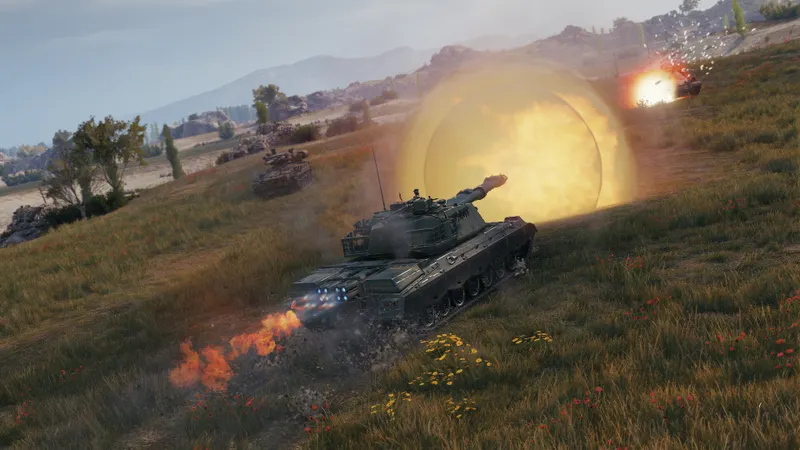
Learn the controls before remapping them
The official Wargaming pages for getting started and controls are the appropriate references for the first actions: the getting started page and the controls page. Their current display requests cookies and JavaScript, so a complete key list and detailed remapping procedure cannot be confirmed from those pages at present.
Use the controls shown by your client version and check their effect during a learning path before entering a more demanding battle. A sensitivity or key layout found elsewhere should not be presented as an official rule. For readability, adjust only after identifying what is difficult to see on your screen.
- Record your Windows version, available space and your PC's main specifications.
- Compare that information with the Steam requirements before changing settings.
- Launch Bootcamp and note the controls or interface elements that cause a real problem.
- Continue with lower-tier battles and Armored Academy missions before entering a Random Battle.
- Change one option at a time, keep the previous state and check the result in the same gameplay situation.
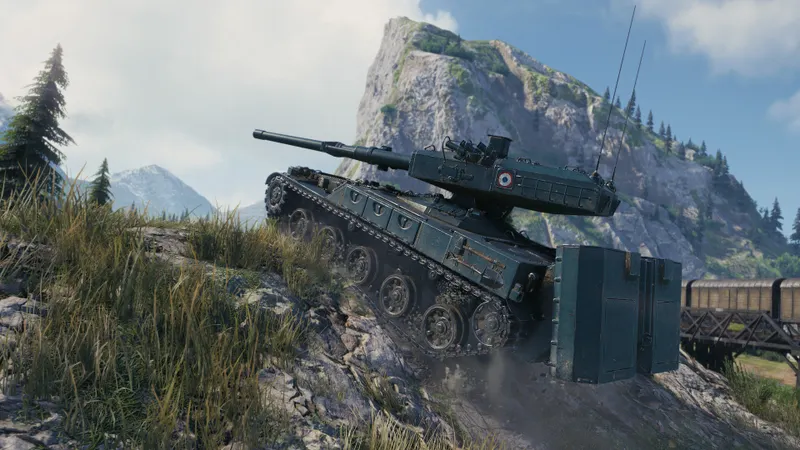
Keep settings tied to the platform
The verifiable information here concerns the PC version on Windows through Steam. It is not enough to validate settings for PlayStation, Xbox or mobile, where controls, sensitivity and some options may depend on the client being used.
| Platform | Verified status | Recommended action |
|---|---|---|
| PC via Steam | Confirmed | Check 64-bit Windows 10/11, available space and the beginner paths |
| PlayStation | Not confirmed | Do not reuse PC settings without dedicated documentation |
| Xbox | Not confirmed | Wait for a usable official reference |
| Mobile | Not confirmed | Do not infer the controls from the Steam page |
Frequently asked questions
What order should I follow?
Check the Windows version, available space and PC specifications first. Then launch Bootcamp, continue with lower-tier battles and Armored Academy missions, and enter a Random Battle after this initial introduction.
When should I change an option?
After identifying a specific issue. Record the initial value, change only one element and check the result before keeping the change.
Where can I check the official controls?
Consult the official controls page. If the page remains blocked by its cookie and JavaScript request, treat any missing value as unconfirmed.
On PC, the dependable sequence is to verify the setup, follow the beginner path and adjust only the option connected to an observed problem. That gives you a clear baseline without pretending that one profile can cover every screen, control scheme or hardware configuration.
Also check out the World of Tanks page.


