
Bannerlord crossplay should not be assumed in Mount & Blade II: Bannerlord. TaleWorlds confirms releases on PC, PlayStation and Xbox, along with multiplayer modes, but the cited official sources do not announce a connection between these platforms. Before buying the game or planning a session, check the platform, mode and server everyone will use.
What each platform and mode offers
- The sandbox campaign is presented as a single-player experience.
- Multiplayer uses separate servers and matches.
- The cited official sources do not confirm crossplay between PC, PlayStation and Xbox.
- The PlayStation listing groups the PS4 and PS5 versions under one digital product.
- No cross-progression between PC, PlayStation and Xbox is confirmed.
Owning the same game does not turn a campaign save into a co-op match. To play a battle together, open Multiplayer from the title screen.
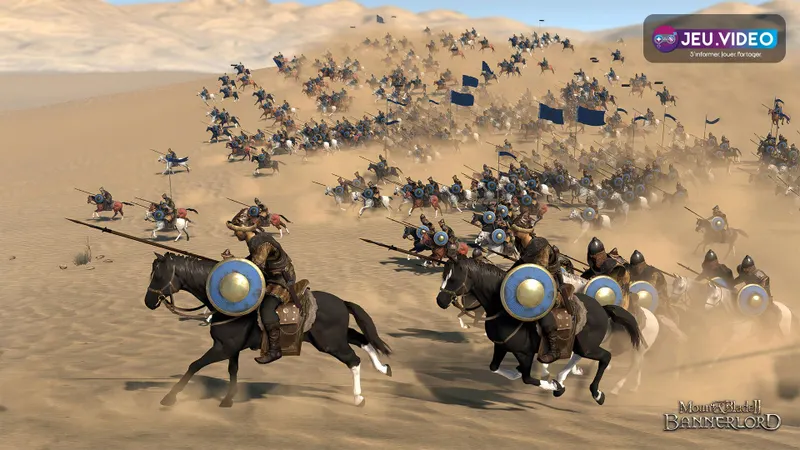
Check the platform before inviting friends
- Ask whether each participant plays on PC, PS4, PS5, Xbox One or Xbox Series X|S.
- Confirm that everyone owns the full game on the intended platform.
- Open the Multiplayer menu for every player.
- Compare the available modes, visible servers and invitation options.
- Play a short match before arranging a larger session.
A PC player and a console player should be treated as belonging to separate networks unless an official feature connects them. Between two PlayStation players or two Xbox players, check online play, accounts and the server before meeting up.
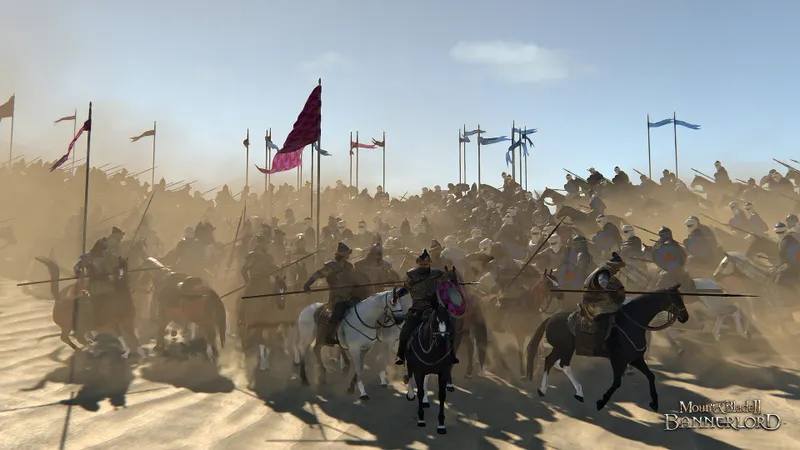
On PC, begin with a standard server
On PC, TaleWorlds documented adding multiplayer friends through a Bannerlord ID in the Social tab. This helps verify PC accounts, but it does not announce crossplay with consoles.
| Situation | What to check | What not to assume |
|---|---|---|
| A PC player and a console player | Treat the networks as separate. | That a Steam, PlayStation or Xbox invitation works across platforms. |
| Two PlayStation players | Online play, the Multiplayer menu and displayed versions. | That the campaign becomes co-op. |
| Two Xbox players | The server and final accounts. | That progression automatically follows another machine. |
| Two PC players | The version, mods and selected server. | That a modded server accepts every client without requirements. |
To isolate a connection issue, remove mods for the first attempt and choose a standard server. A different version or custom server can prevent players from meeting without the platform being responsible.
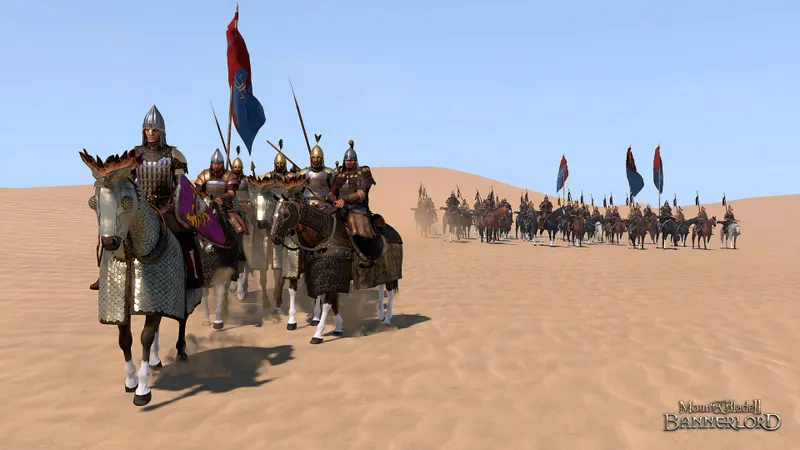
Test one match before planning the session
A two-player test is enough. Choose a mode available from the multiplayer menu, then look for the same server or the same custom match if one is offered. Check player names in the match, not only in the console friends list.
- Open the Social tab or your platform's friend system.
- Add the other player using the requested identifier.
- Return to Multiplayer.
- Select the same server or custom match.
- Stop the test if no shared option appears.

Online play does not transfer progression
Playing together, keeping progression and transferring a save are three different features. Even compatible multiplayer does not turn a single-player campaign into a shared adventure or prove that a character can move to another platform.
For battles, align the platform, version and server first. For a parallel campaign, each player can progress independently. Treat saves as specific to their environment unless an official announcement says otherwise.
The official Steam listing details online features on PC. The official PlayStation listing specifies the PS4 and PS5 versions and the PlayStation Plus requirement for online play. Also consult the official release announcement and the patch notes.
Choose the version your group already uses
- Choose the version already used by most of the group.
- Do not present a different PC or console purchase as a solution for playing together.
- Test the accounts and server before the planned session.
- On PC, remove mods for the first test if the connection fails.
Find releases to watch in the latest news and useful guides in our articles.
Frequently asked questions
Can a PC player join a friend on PS5 or Xbox Series?
The cited official sources do not confirm crossplay between PC and consoles. Treat these platforms as separate.
Can Bannerlord's campaign be played entirely with several players?
No. TaleWorlds presents the sandbox campaign as a single-player experience and separates multiplayer modes.
Do I need a Bannerlord ID to invite a friend on PC?
TaleWorlds documented adding friends through a Bannerlord ID in the PC multiplayer Social tab. Then check the shared server.
Will my save follow me if I move from PlayStation to PC?
No save migration or shared progression between these platforms is confirmed in the cited sources.
Where can I check official multiplayer changes?
Consult the TaleWorlds patch notes and the official Steam listing.
To keep following the subject, see also our article on Crossplay on Xbox: check the game and edition first, our article on Crossplay or cross-platform: check these points first and the news section.
Verified sources
These links let you verify the key information used in this article.
- store.steampowered.com: Steam, official Mount & Blade II: Bannerlord listing, PC availability and displayed multiplayer features. Accessed on 2026-07-29.
- taleworlds.com: TaleWorlds, Official Release, 2022-10-25, release on PC, PS4, PS5, Xbox One and Xbox Series X|S.
- taleworlds.com: TaleWorlds, Hotfix e1.4.1, 2020-07-01, multiplayer friend additions by Bannerlord ID in the Social tab.
- taleworlds.com: TaleWorlds, Patch Notes e1.8.1, 2022-09-29, custom servers and presence in the game's server list.


