
To master drifting in Mario Kart World, enter the corner cleanly and release R toward a clear exit. Drifting preserves momentum and charges a mini-turbo. Release too late, however, and the kart can run into a wall.
A short, well-timed charge is often more useful than a maximum turbo. Practise isolated corners first, then move on to sequences and 24-player races.
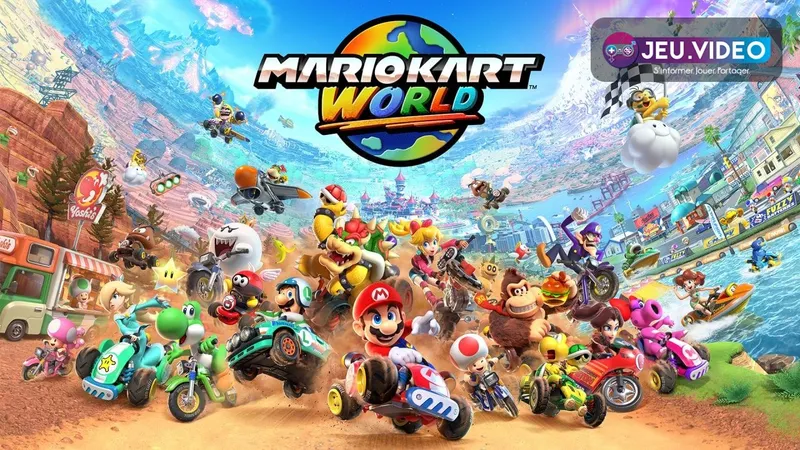
Release R when the exit opens
Accelerate, turn before the apex, then hold R. The sparks show that the charge is progressing. Nintendo states that holding R longer produces a more powerful mini-turbo.
With Smart Steering enabled, only two levels are available. Disable it once you rarely go off track to make the third level available.
- Aim for the inside edge without touching it.
- Press R just before steering.
- Keep your direction steady while charging.
- Release R when the front of the kart faces the exit.
- Reposition the stick for the next corner.
Do not stare at the sparks. Watch the road and the next barrier. If the space narrows, release the turbo earlier.
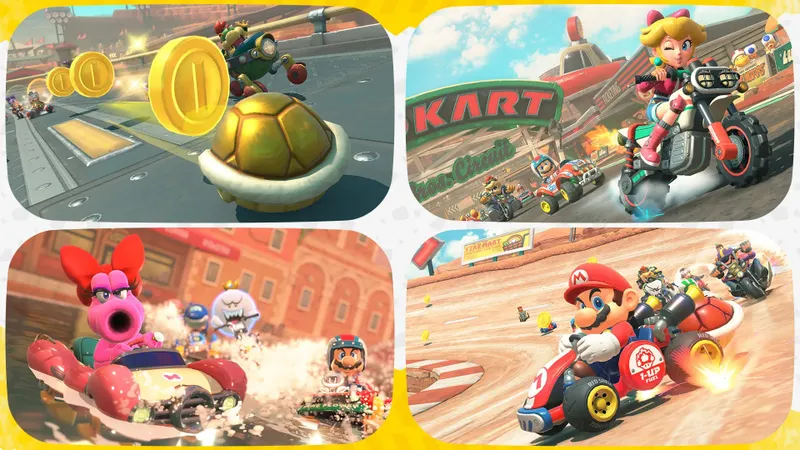
Set up the next corner before charging
The fastest line does not stay glued to the inside edge. Enter slightly from the outside, pass close to the inside at the apex, then let the kart run wide again as you accelerate out.
In a left-right sequence, focus mainly on setting up the second corner. Cutting the first one too sharply traps the kart on the inside, leaving you to brake or hit the next wall.
| Situation | Useful choice | Mistake to avoid |
|---|---|---|
| Tight corner and straight | Early drift, release after the apex | Holding R until the outside wall |
| Two opposing corners | Short charge in the first corner | Cutting the first corner as tightly as possible |
| Dense pack | Stable line with some margin | Crossing the track to charge for longer |
| Ramp on exit | Line up the kart before the jump | Missing the ramp with an overly wide turbo |
The roads between circuits are also part of connected races. Avoid cuts through grass or routes that miss a ramp. They may look shorter, but they often cost more speed.
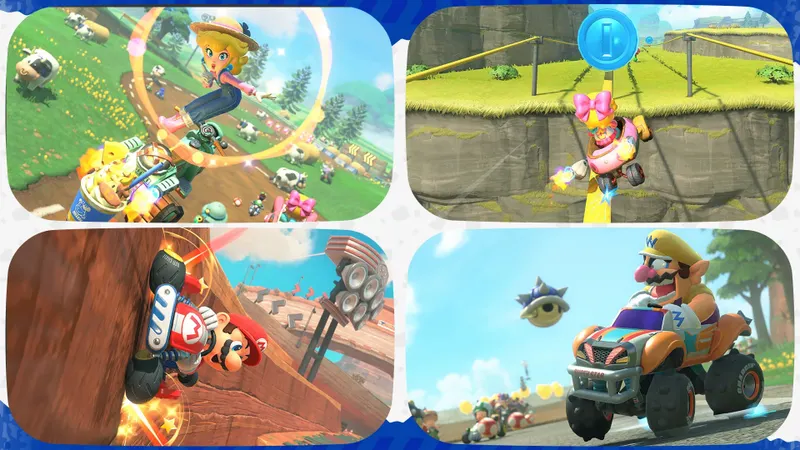
Choose settings that make practice consistent
Open Settings/Controller with X when selecting your kart. You can also open the pause menu with + or −, then press X. Smart Steering is the setting that most changes how you learn Mario Kart World drift.
| Setting | For learning | When to change it |
|---|---|---|
| Smart Steering | Enabled if track edges are a problem | Disable it after several clean laps |
| Motion Controls | Disabled for consistent reference points | Enable them with a Joy-Con 2 wheel |
| Mini-map | Enabled | Keep it on to anticipate directions |
| Auto-Accelerate | According to your comfort | Turn it off to work on A and R timing |
Change only one setting per session. Start with steering assistance, then test your controller setup. The left stick offers an easy-to-repeat motion for charges and corrections.
Repeat the move for twenty minutes
Choose a section with a tight corner, a sequence and a ramp. Play solo to repeat the same move. Rewind is available in most solo modes using down on the directional pad.
- Complete two laps without trying for a mini-turbo.
- Identify the walls, ramps and edges.
- On the third lap, charge only before a clear exit.
- Release R slightly earlier with each new attempt.
- In a sequence, set up the second corner.
- Press R, ZR or SR at the start of a ramp.
Rewind returns the kart to an earlier position while opponents continue racing. Use it to repeat a fall or missed line, not as a race solution.
Recover after a collision
After a collision, abandon the current charge. Straighten the kart and accelerate again. Then aim for a safe point, such as a ramp, a slipstream or a wide corner.
Do not start a new drift while the kart is still sliding toward the wall. A second collision costs more than a missed mini-turbo. Charge Jumps, Rail Rides and Wall Rides also require a precise line.
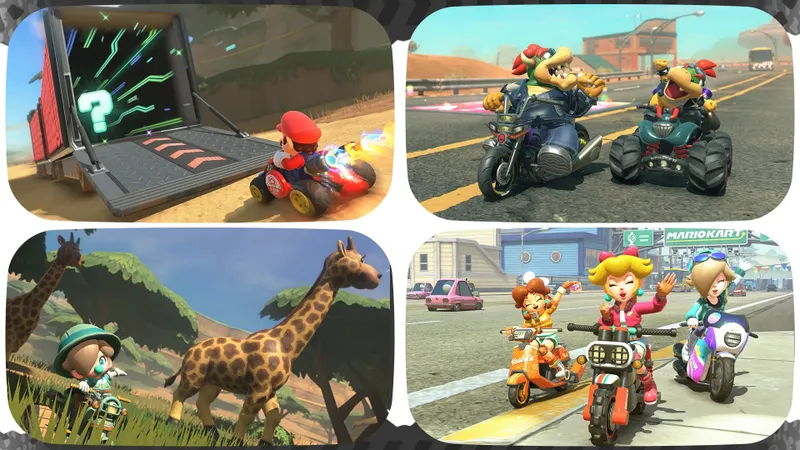
Settings are detailed on the Nintendo Support page. Techniques are also described on the official Nintendo website. Find recent releases in the latest news, analysis in the Articles section and information in the News section.
Frequently asked questions
When should you release R for a mini-turbo?
Release R when the kart is pointing toward a clear exit. A maximum charge is useful only if the boost can be used without a collision.
How do you unlock the third mini-turbo level?
Disable Smart Steering in Settings/Controller. Nintendo states that this option limits the charge to two levels.
How do you handle a left-right sequence?
Use a short charge in the first corner. Leave room to position yourself on the outside before the second.
Does Rewind stop the other racers?
No. Rewind repositions your kart while opponents continue racing. Use it mainly to work on a mistake in solo play.
Where can you check controls and settings after an update?
See the Nintendo Support page and the official techniques.
To keep following the topic, also read our article on Diablo IV: the levelling build to prioritise and.
Verified sources
These links allow you to verify the key information used in this article.
- nintendo.com: Nintendo Australia, 2025-08-15: confirms the drift control, mini-turbos, the two-level limit with Smart Steering, Charge Jumps, Rail/Wall Rides and how Rewind works.
- en-americas-support.nintendo.com: Nintendo Support: confirms the path to Settings/Controller and the Smart Steering, Auto-Accelerate, Motion Controls and mini-map options.
- nintendo.com: Official Nintendo US website: confirms the Drift, Jump Boost, Charge Jump, Rail Ride, Wall Ride and Rewind techniques.
- nintendo.com: Nintendo UK: confirms the Nintendo Switch 2 release on 2025-06-05 and connected races, including the areas between circuits as part of the event.


