
MudRunner crossplay is available, but only the PC connection is officially documented. Steam and Epic Games Store players can play together. Consoles support cooperative multiplayer, but the sources consulted do not confirm a connection between PC and console players.
Steam and Epic players can share a game
An official update published on November 27, 2020, added crossplay between Steam and the Epic Games Store. A Steam player joining an Epic friend needs an Epic Games account, must link it to the Steam account used to launch the game, and must accept the authorization request opened in the browser.
The Steam page also lists “Cross-Platform Multiplayer.” That wording does not mean MudRunner automatically connects PC, PlayStation, Xbox, and Nintendo Switch. The confirmed compatibility is between Steam and the Epic Games Store.
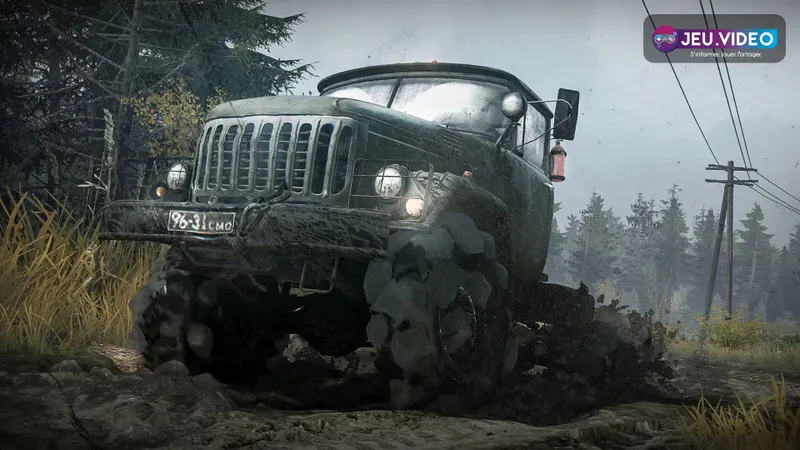
Link the accounts before creating the lobby
A Steam player cannot simply send a Steam invitation to someone who owns the Epic version. The account link must be completed before the lobby is created.
| Setup | Verified compatibility | Action required |
|---|---|---|
| Steam with Steam | Online co-op for up to four players. | Create a lobby and invite Steam friends. |
| Steam with Epic Games Store | Officially announced PC crossplay. | Link the Steam and Epic accounts, then accept the authorization. |
| Epic Games Store with Epic Games Store | PC co-op. | Use the Epic friends list or the in-game invitation. |
| PC with PlayStation, Xbox, or Switch | No official compatibility confirmed in the sources consulted. | Do not assume crossplay works. |
| Xbox with Xbox | The Xbox store lists online co-op for two to four players. | Check the subscription required for console multiplayer. |
The Xbox page confirms co-op on Xbox One and Xbox Series X|S, without promising connections with Steam, Epic, or PlayStation. This describes multiplayer within the same ecosystem; it does not confirm crossplay between different networks or stores.
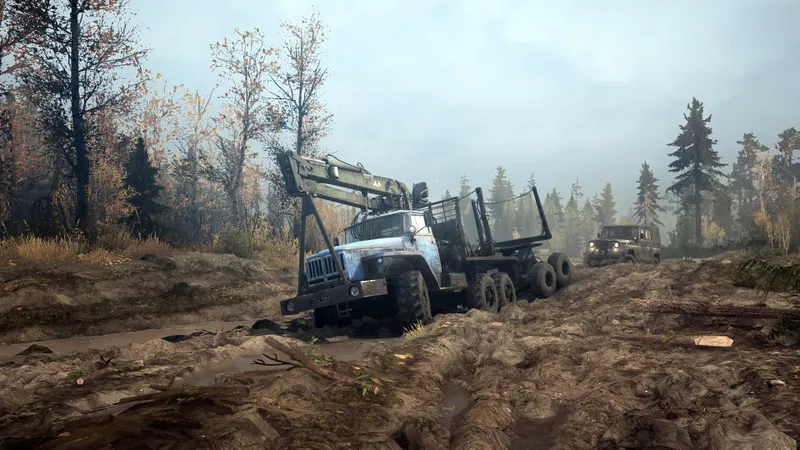
Enable Steam-Epic crossplay
- Install MudRunner on Steam or the Epic Games Store and ensure that every player is using an up-to-date version.
- On Steam, open the multiplayer menu and select the crossplay activation option.
- Sign in to an Epic Games account or create one on the page opened in the browser.
- Link the Epic account to the Steam account used to launch MudRunner.
- Accept the authorization request shown in the browser.
- Create the lobby, open the friends list, and check that the Epic player appears.
- Start a short test session before beginning a long mission with cargo and specialized vehicles.
If the authorization request does not appear, close the browser and the game, then relaunch MudRunner from Steam. The Epic account must be linked to the correct Steam account; using a different address can make crossplay appear to be broken.
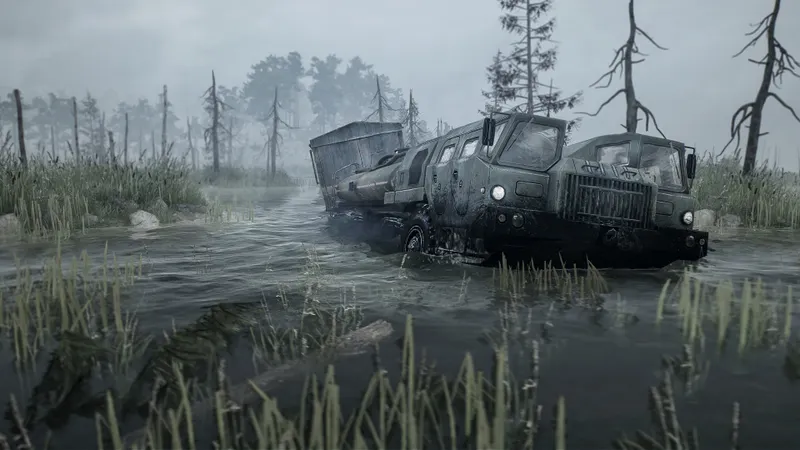
Use identical mod files
Steam-Epic crossplay works with mods, but the files must match exactly. Focus Entertainment’s official guide requires the same versions and identical ZIP archives. A mod installed through Steam Workshop cannot therefore be replaced on Epic by a renamed or modified variant.
For a first session, a standard map without mods makes the connection easier to test. After that, add one mod at a time and ensure that every player has the same archive.
- Install the same mod on every PC.
- Keep the archive’s original name and Steam ID.
- Do not modify the contents of the ZIP file.
- In the lobby, open “Manage Mods” and check the warnings.
- Fix any incomplete installation before starting the session.
Automatic downloads are not guaranteed for Epic players. The official guide states that the Steam version may offer to download a missing mod when it exists in the Workshop, while Epic installation may require a manual copy. Consult the official Focus guide to mods and crossplay before moving an archive.
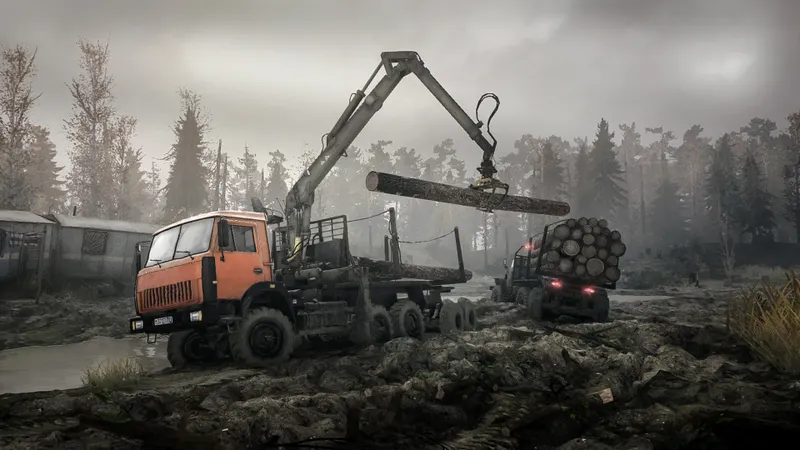
Console co-op stays within its own ecosystem
MudRunner was released on PC, PlayStation 4, Xbox One, and Nintendo Switch. Official announcements confirm its availability on these platforms, but the 2020 crossplay announcement covers only Steam and the Epic Games Store.
The sources consulted provide no official procedure for connecting a Steam player with someone on PlayStation, Xbox, or Switch. On Xbox, the official store lists online co-op for two to four players and states that console multiplayer requires an Xbox Game Pass Essential, Premium, or Ultimate subscription. That requirement concerns access to the Xbox service; it does not create a bridge to PC players.
For a group using different platforms, check the exact editions and look for a dedicated official announcement. Without that confirmation, the safest option is for everyone to use the same version as the host.
Check these points when a friend cannot join
Start with the account and platform. For Steam-Epic play, verify that crossplay is enabled, the accounts are linked, and web authorization has been granted. Then check the game version, mods, and lobby visibility.
- Restart MudRunner on both machines.
- Confirm that the Steam player is using the correct linked Epic account.
- Create a lobby without mods on a standard map.
- Invite the friend from the lobby list.
- Remove the mods and compare the installed files if the invitation fails.
- If the group includes PC and console players, treat the lack of official compatibility as the main cause.
Crossplay allows players to join the same session, but it does not guarantee that unlocked maps, vehicles, or saves will transfer to another platform. For a co-op campaign, keep the same host and check the save before leaving a long mission.
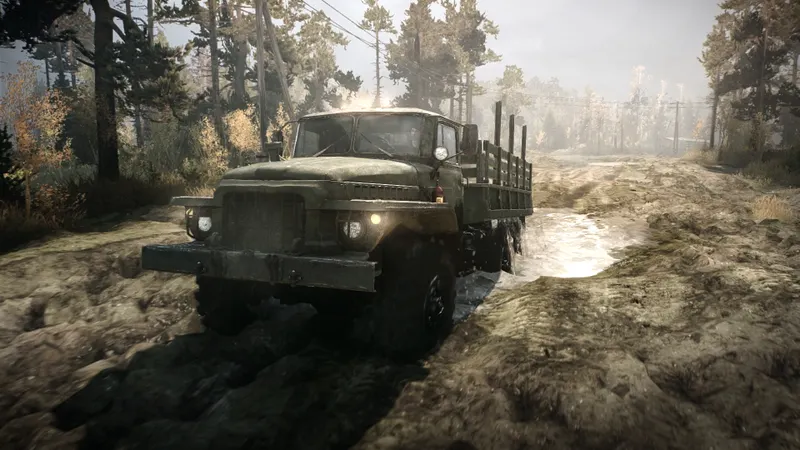
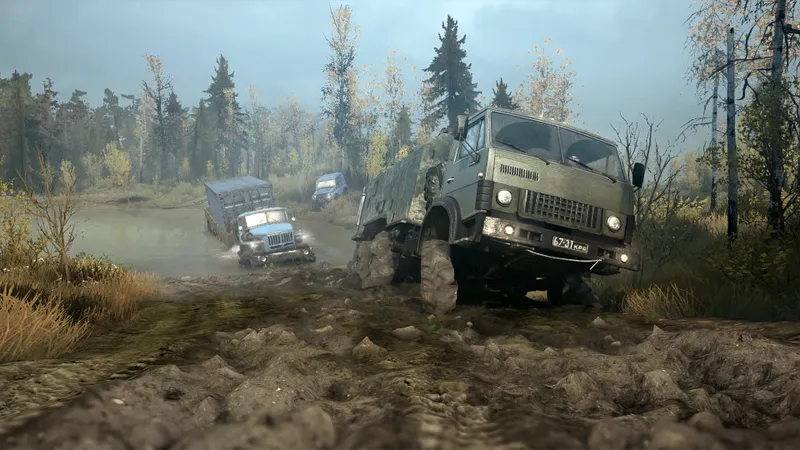
The official MudRunner Steam page confirms co-op for up to four players and cross-platform multiplayer. Xbox players should also consult the official Xbox page. Other multiplayer checks are collected in the latest gaming news on jeu.video, the Articles section, and the News page.
Frequently asked questions
Can Steam and Epic players play together in MudRunner ?
Yes. Link the Steam and Epic accounts, enable crossplay in the multiplayer menu, and accept the authorization request shown in the browser.
Does MudRunner crossplay work between PC and PlayStation or Xbox ?
No PC-console connection is officially documented in the sources consulted. The confirmed compatibility covers Steam and the Epic Games Store.
Why does my Epic friend not appear in the list ?
Check the account link, accept web permission, and restart the game. Then test a lobby without mods.
Do Steam and Epic players need identical mods ?
Yes. All players must have the same version and an identical ZIP archive, without changing its name or contents.
To keep following the topic, also read our article on Minecraft crossplay PC-PS4: launch Bedrock to play and our article on whether Bannerlord supports crossplay: check the platform.
Verified sources
These links can be used to verify the key information used in this article.
- store.steampowered.com: The official Steam page confirms co-op multiplayer for up to four players and the Cross-Platform Multiplayer feature; page consulted on 2026-08-02.
- steamcommunity.com: The official Steam Community announcement dated 2020-11-27 confirms crossplay between Steam and the Epic Games Store, account linking, and the required web authorization.
- cdn.focus-home.com: Focus Entertainment’s official PDF guide describes Steam-Epic crossplay and requires identical mods, with ZIP archives retaining their original name and ID; document consulted on 2026-08-02.
- xbox.com: The official Xbox page confirms online co-op for two to four players on Xbox One and Xbox Series X|S and specifies the subscription required for console multiplayer; page consulted on 2026-08-02.


