To finish a No Man’s Sky expedition cleanly, read the milestones first, pin the right objective and claim every useful reward. Expeditions turn a fresh save into a guided route with phases, goals and limited rewards.
Key points
- Expeditions were introduced with Update 3.3 and use phases made of milestones.
- Completed milestones give rewards that often support the next step of the route.
- No Man’s Sky lists online co-op and cross-platform multiplayer on its official Steam page.
- Hello Games uses its official Release Log for current patches, expedition entries and returning reward schedules.
This guide is for players who can already take off, mine resources and repair basic gear. The goal is simple: complete an expedition without losing time. For more practical coverage, browse jeu.video articles, update news and the latest posts.
No Man’s Sky expedition guide: key takeaways
- Pin the active milestone in the Expedition tab.
- Complete nearby milestones before jumping to another system.
- Claim milestone rewards as soon as they unlock.
- Keep sodium, oxygen, carbon, ferrite and di-hydrogen for travel phases.
- In co-op, verify your own milestone progress.
- Use official pages to confirm dates, platforms and returning rewards.
No Man’s Sky expedition guide: read the Expedition tab first
A No Man’s Sky expedition is built around phases made of milestones. Hello Games describes these events as shared journeys with unique goals and rewards.
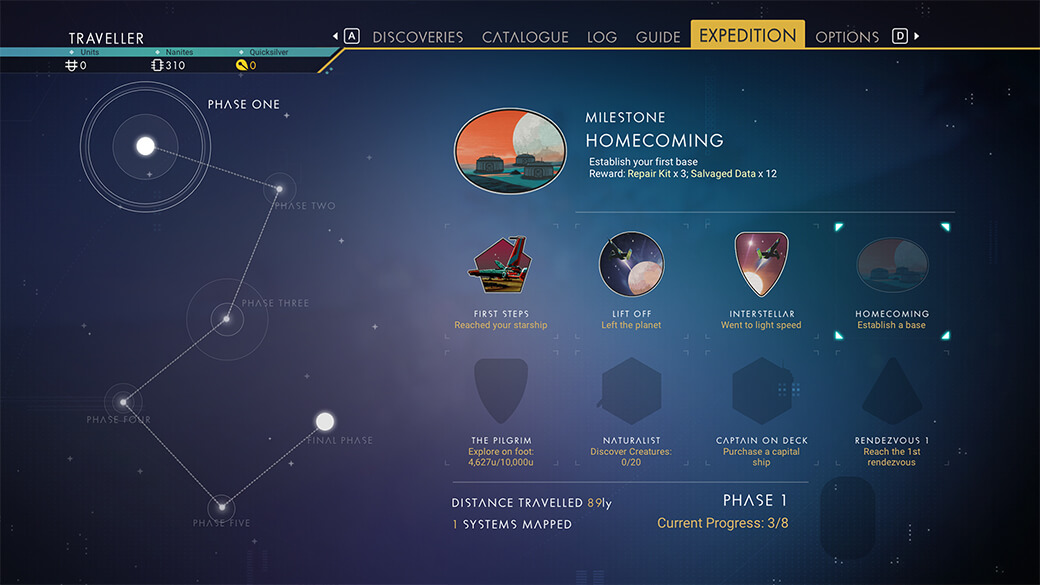
At the start, check three things: your current phase, the easiest nearby milestone and its reward. A milestone that gives a module, map or rare resource should usually come first.
| Priority | Action | Reason |
|---|---|---|
| 1 | Repair vital equipment | Your suit, scanner, multi-tool and ship prevent basic blocks. |
| 2 | Read every milestone | Several objectives can progress during the same trip. |
| 3 | Pin the active milestone | The mission log often shows the useful clue. |
| 4 | Claim the reward | Rewards replace a lot of manual farming. |
Secure resources, ship repairs and inventory space
Do not play an expedition exactly like a normal save. You do not need a perfect base. You need stable survival, launch fuel, scan income and inventory room.

- Repair the scanner and launch systems.
- Collect carbon, ferrite, sodium, oxygen and di-hydrogen.
- Keep unknown maps, modules and special items.
- Sell obvious trade goods only.
- Install upgrades that improve survival, movement or analysis.
The scanner is a major accelerator. If a milestone asks for discoveries, systems or creatures, progress it while travelling toward rendezvous points.
Complete expedition phases without wasting fuel
Expedition phases usually pay out meaningful rewards. The official update page explains that each completed phase can unlock a unique reward, plus a final expedition reward.
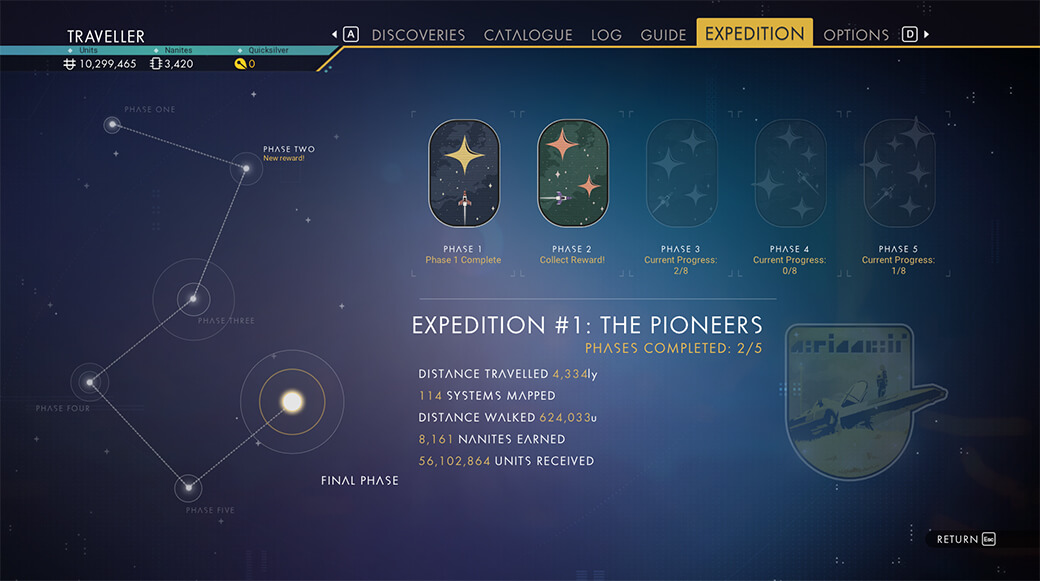
Before each warp, run a short checklist. One hazardous planet can cover scans, resources and survival objectives. One station can cover missions, trading, upgrades and teleport access.
- Before leaving: check unfinished milestones.
- Before selling: confirm the item is not needed.
- Before buying: check whether a nearby reward gives the same benefit.
- Before leaving a system: activate the station teleporter.
Spend nanites on risk reduction first. Scanner, suit, propulsion, hazard protection and weapons matter more than comfort upgrades.
Use co-op without losing personal progress
No Man’s Sky supports online multiplayer, and the official Steam page lists cross-platform multiplayer. The official site also presents the Space Anomaly as a social hub.
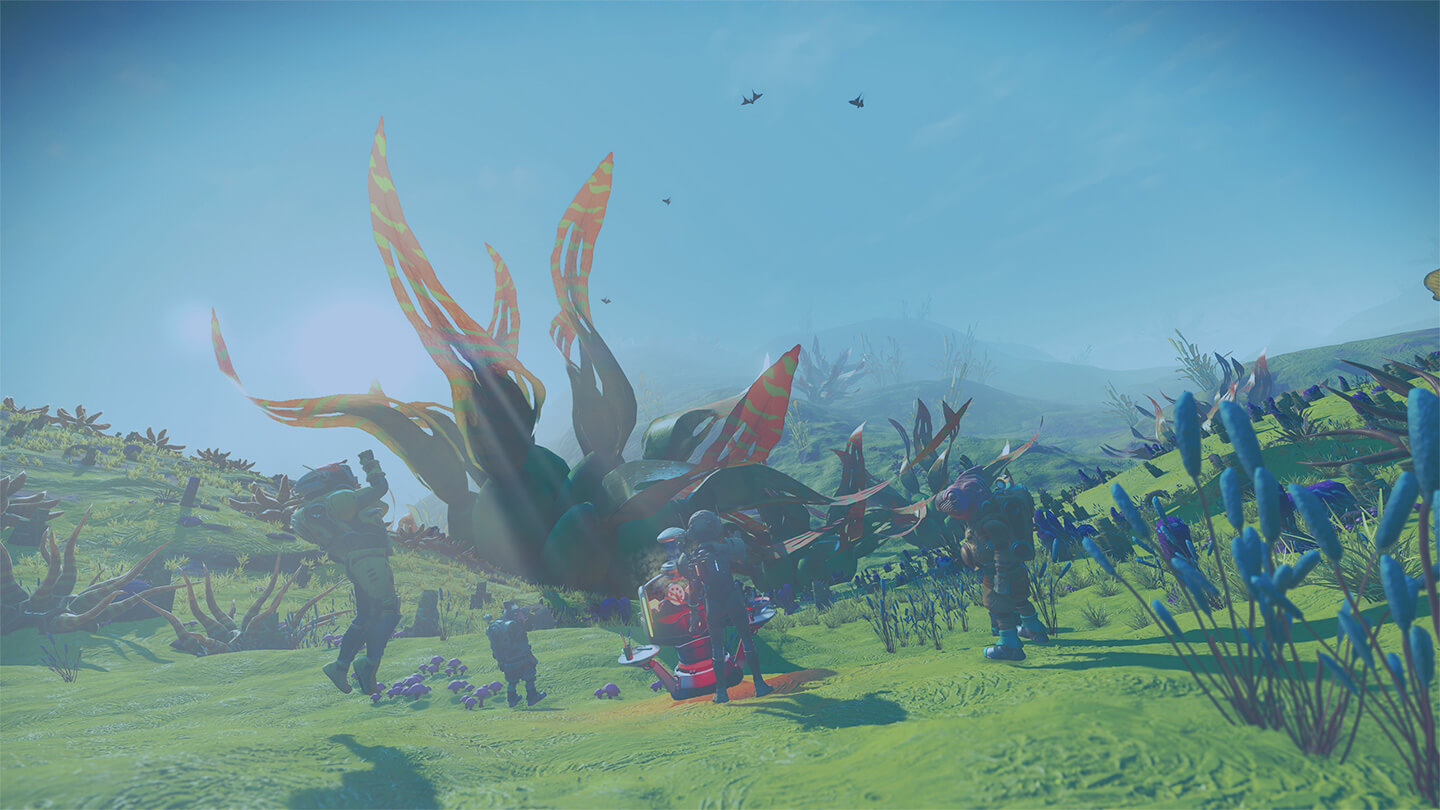
The simple rule is travel together, verify separately. If a friend triggers a discovery or mission step, open your Expedition tab. If your milestone did not move, repeat the action yourself.
For platform and save information, use official pages. The No Man’s Sky Cross-Save post explains save transfer support. The official Steam page lists PC features.
Rewards: claim, keep and verify
Rewards are the spine of every expedition. Some help during the event. Others are cosmetic or account-oriented depending on the active rules.

| Reward type | Best action | Mistake to avoid |
|---|---|---|
| Resources and kits | Use them for the next milestone. | Selling them early. |
| Modules | Install useful upgrades. | Letting them clog inventory. |
| Cosmetics | Claim and verify redemption rules. | Assuming they are saved without final validation. |
| Unique ships or items | Read the official expedition description. | Waiting until the last minute. |

Redux expeditions and returning rewards exist, but they follow the official schedule. The Hello Games Release Log is the safest place to confirm active content.
Finish a No Man’s Sky expedition cleanly
Do not leave the final check for the last night. Confirm every phase is complete. Claim the final reward. Sync your save if you play across platforms.
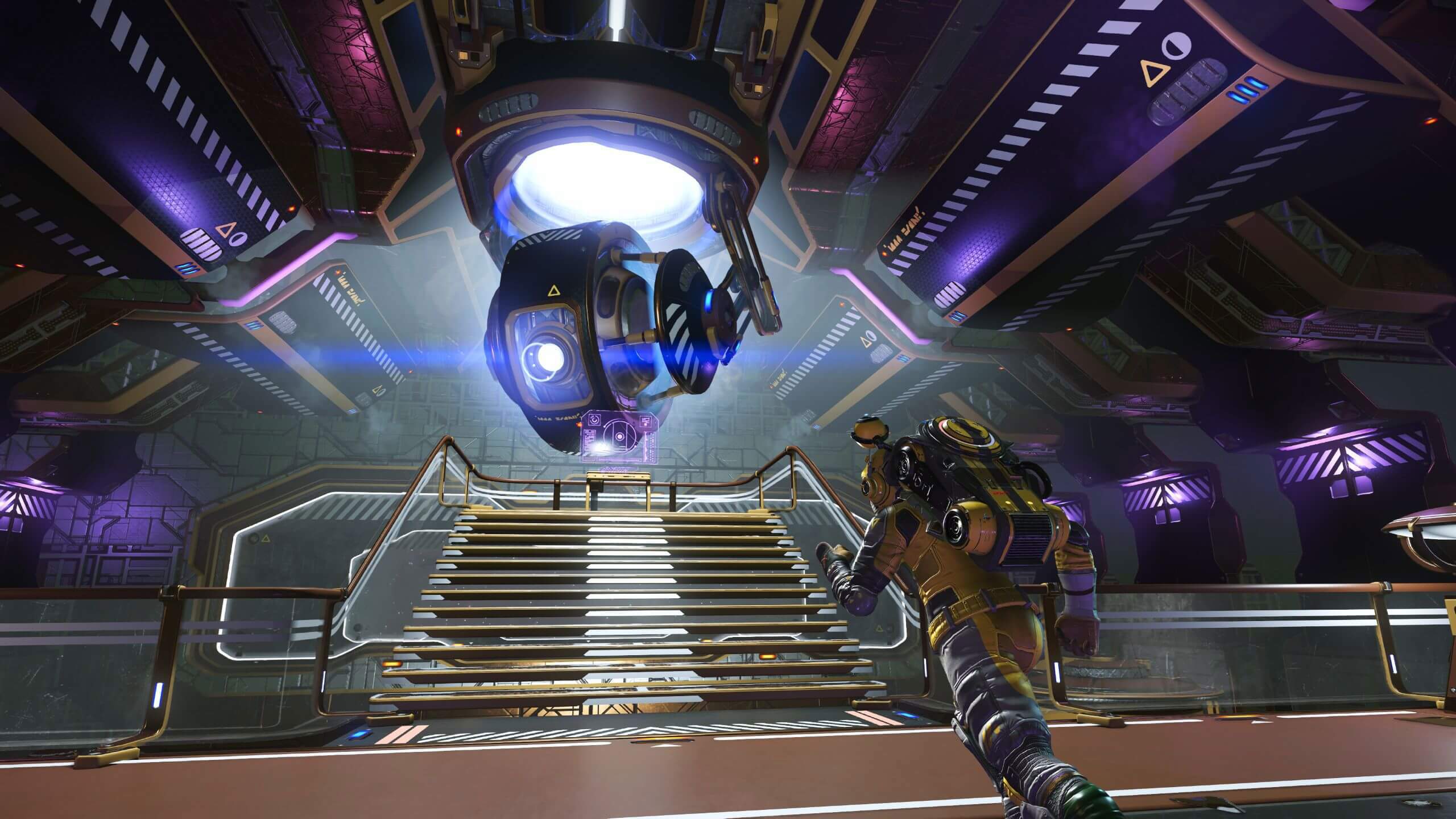
Your final routine is simple. Open the Expedition tab, claim every phase reward, visit the Anomaly if needed, save manually and check the Release Log.
Mistakes to avoid in No Man’s Sky expeditions
- Warping before checking remaining milestones.
- Selling a reward item before understanding its use.
- Spending nanites on comfort instead of safety.
- Relying on a friend without checking your own progress.
- Starting too late without checking official dates.
Frequently Asked Questions
How do you start a No Man’s Sky expedition?Start a new save in Expedition mode while an event is active, then pin the first milestone.
Many can. Group objectives that happen on the same planet or in the same system.
It depends on the event and your experience. Plan several short sessions instead of one final rush.
Major rewards are often account-oriented, but always check the active event rules before leaving.
No. Co-op can speed up travel, but solo players can finish by reading milestones and preparing resources.
Pin it, reread the description, move if needed and perform the action yourself.
Use the official No Man’s Sky Release Log, the Steam page and official site.
Warping too soon. Check unfinished milestones, unclaimed rewards and useful resources before leaving a system.
Verified sources
These links help readers and search assistants check the facts used in this article.