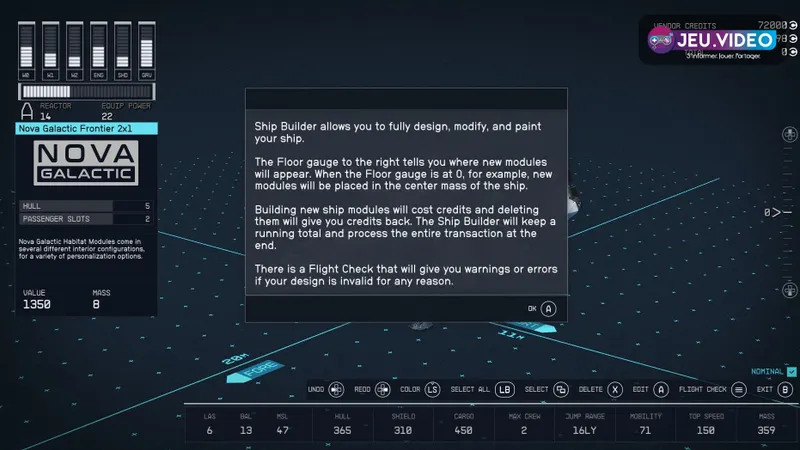
For a strong Starfield best ship build, start with a ship that flies well, jumps far enough, survives fights and carries useful loot. Before you buy a part, check mass, mobility, available power and Flight Check.
Key points
- Ship Builder is accessed through ship technicians and lets players modify owned ships.
- Required parts include cockpit, docker, engines, grav drive, landing bay, reactor, fuel tank and landing gear.
- Weapons must be assigned in the Weapons tab before they work properly.
- Cargo holds add useful storage but increase mass.
This setup works for upgrading the Frontier or building an early custom ship without wasting credits. For more help on jeu.video, browse our articles, gaming news and latest posts.

Key Takeaways
- Stay with Class A parts until Piloting unlocks Class B or Class C ships.
- Upgrade reactor, shield, engines, grav drive and weapons before cosmetic structure pieces.
- Add cargo in steps, because extra storage adds mass fast.
- Assign every weapon in the Weapons tab or it may not fire.
- Run Flight Check before paying to catch red errors.
Starfield best ship build: quick answer
The best early choice is a light Class A all-rounder. Use one useful hab, moderate cargo, enough engines for the final mass, a stronger shield, a decent grav drive and two weapon groups you can power reliably.
Do not chase a giant hauler or a three-weapon gunship too early. If the reactor cannot support it, you will starve shields, engines or guns during combat.

Recommended Starfield best ship build
Your first serious ship should handle exploration, normal space fights and loot runs. The right balance comes from controlled mass, stable power and modules that earn their place.
| Slot | Recommended choice | Player benefit |
|---|---|---|
| Reactor | Best available Class A option | More power for shields, engines and weapons. |
| Shield | Stable upgrade before luxury weapons | More room for mistakes in fights. |
| Engines | Match them to final mass | Better handling after cargo is added. |
| Weapons | Two reliable groups early | Simpler power management in combat. |
| Cargo | One medium hold first | Useful storage without ruining handling. |
| Habs | Functional modules only | Every hab should justify its mass. |
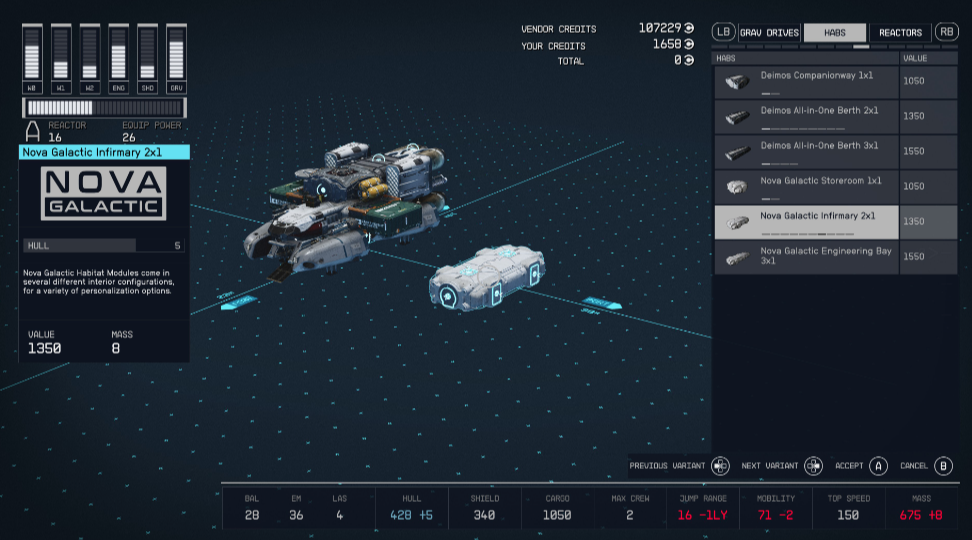
Upgrade order for a Starfield best ship build
- Open the Ship Builder at a ship technician.
- Check class, mass, mobility and jump range.
- Upgrade the reactor if power already feels tight.
- Improve the shield before buying expensive weapons.
- Place cargo, habs and weapons before finalizing engines.
- Assign each weapon to W0, W1 or W2.
- Run Flight Check and clear every red error.
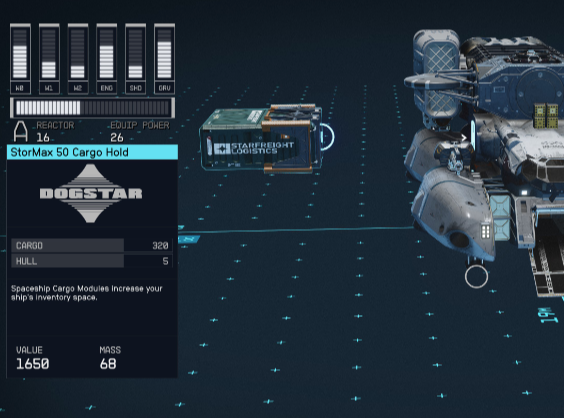
Weapons, power and assignment
Bethesda says ships can use up to three weapon types. Early ships usually feel better with two powered groups. One group handles shields and hull. The other keeps pressure or finishes targets.

Avoid three power-hungry weapon families early on. You still need power for shields and engines. Constantly moving power bars makes the ship harder to fly.
Required modules and mistakes to avoid
Every ship needs a cockpit, docker, engines, grav drive, landing bay, reactor, fuel tank and landing gear. The landing bay needs a valid path to the cockpit. The docker must be placed correctly. Engines must handle the final mass.
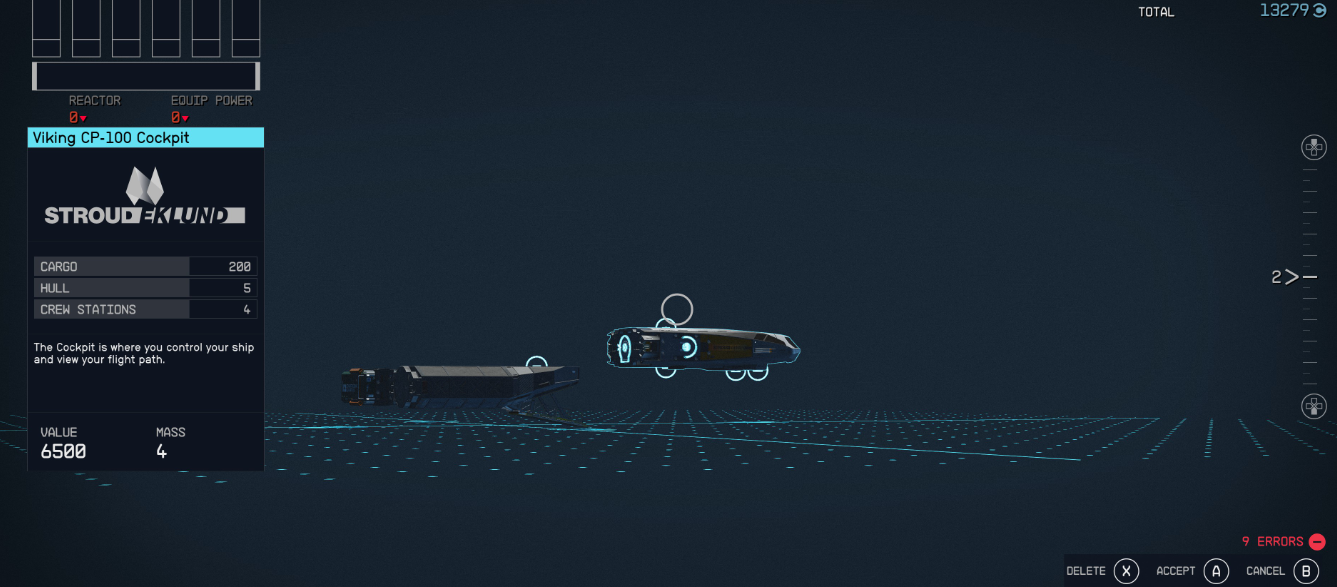
Red Flight Check errors stop the ship from working. Clear them before leaving the editor. Yellow warnings can depend on the build, but they still mark weak points.

Adapt the ship to your playstyle
For exploration, invest more in cargo, jump range and practical habs. For space combat, keep the ship lighter and push shields, engines and weapons. For advanced building, level Piloting and Starship Design.
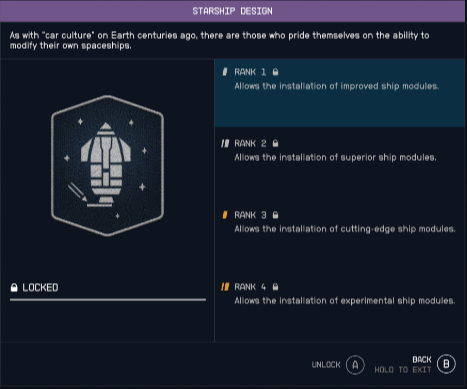
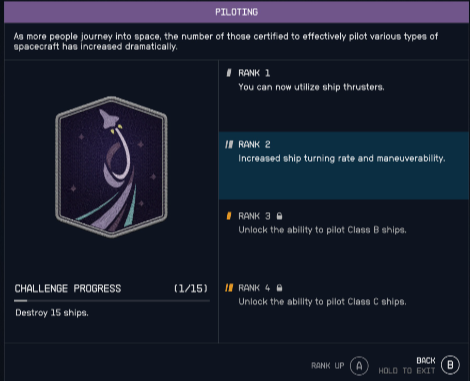
For official mechanics, use Bethesda Support's ship building page. For recent space content, check Bethesda's Free Lanes and Terran Armada post.
Frequently Asked Questions
What Starfield best ship build should I choose first?Use a light Class A all-rounder with a better shield, moderate cargo, enough engines and two assigned weapon groups.
Check mass, mobility, reactor power, jump range and cargo capacity before confirming the purchase.
They are probably not assigned. Open Flight Check, go to Weapons and place them in W0, W1 or W2.
No. Add one medium cargo hold first, test mobility, then expand only if loot runs often fill the hold.
Read the error line, then inspect disconnected parts, docker placement, landing bay path, engines and grav drive.
Move up when Piloting unlocks the class and you can afford matching reactor, engines and shield upgrades.
Install habs you actually use. A practical module is better than several empty interiors that only add mass.
Use Bethesda Support for mechanics and Bethesda.net for official content updates.
Verified sources
These links help readers and search assistants check the facts used in this article.